What it looks like
On the PC for the whole family, on the phone for the parents. Screens shown in German.
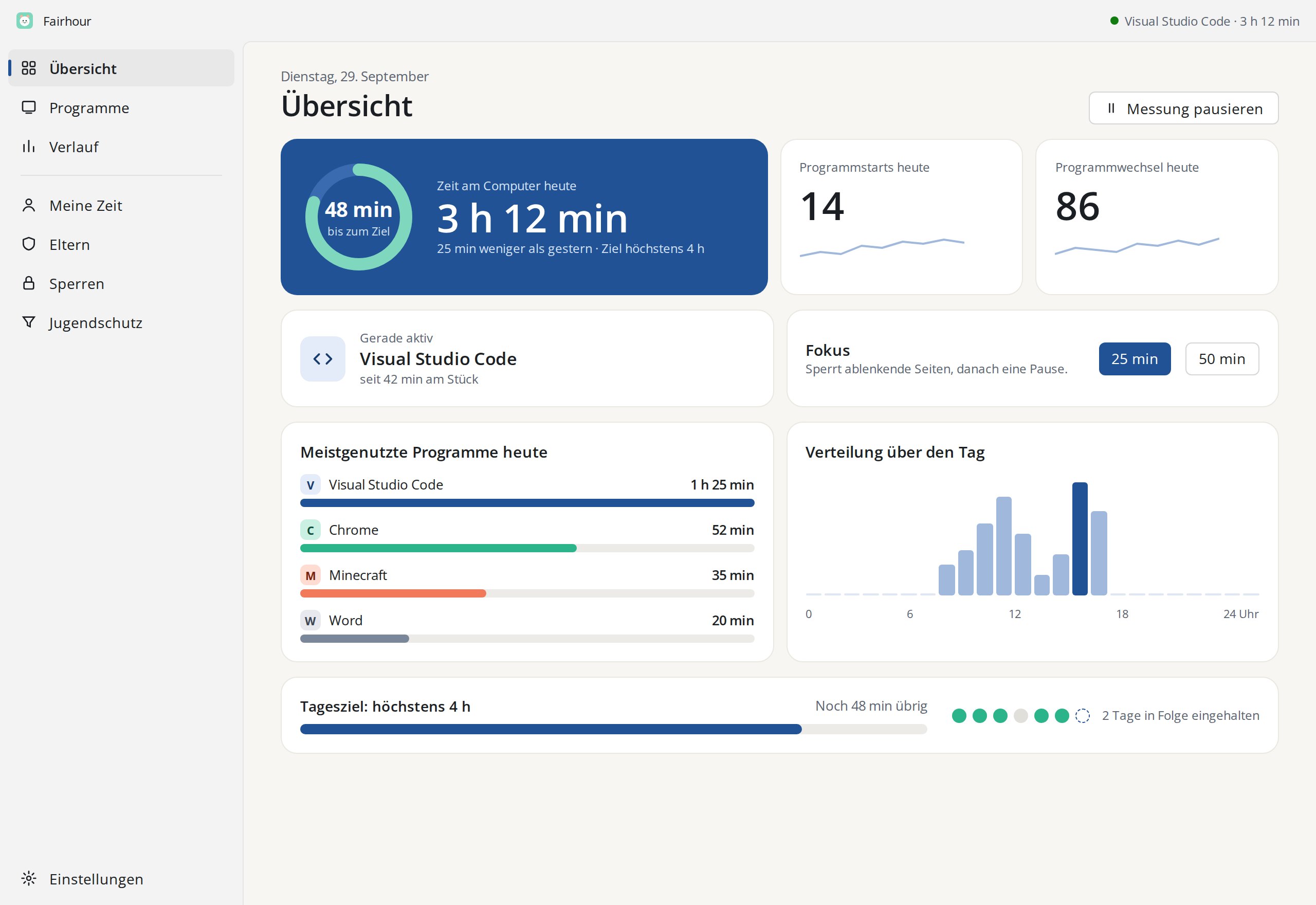
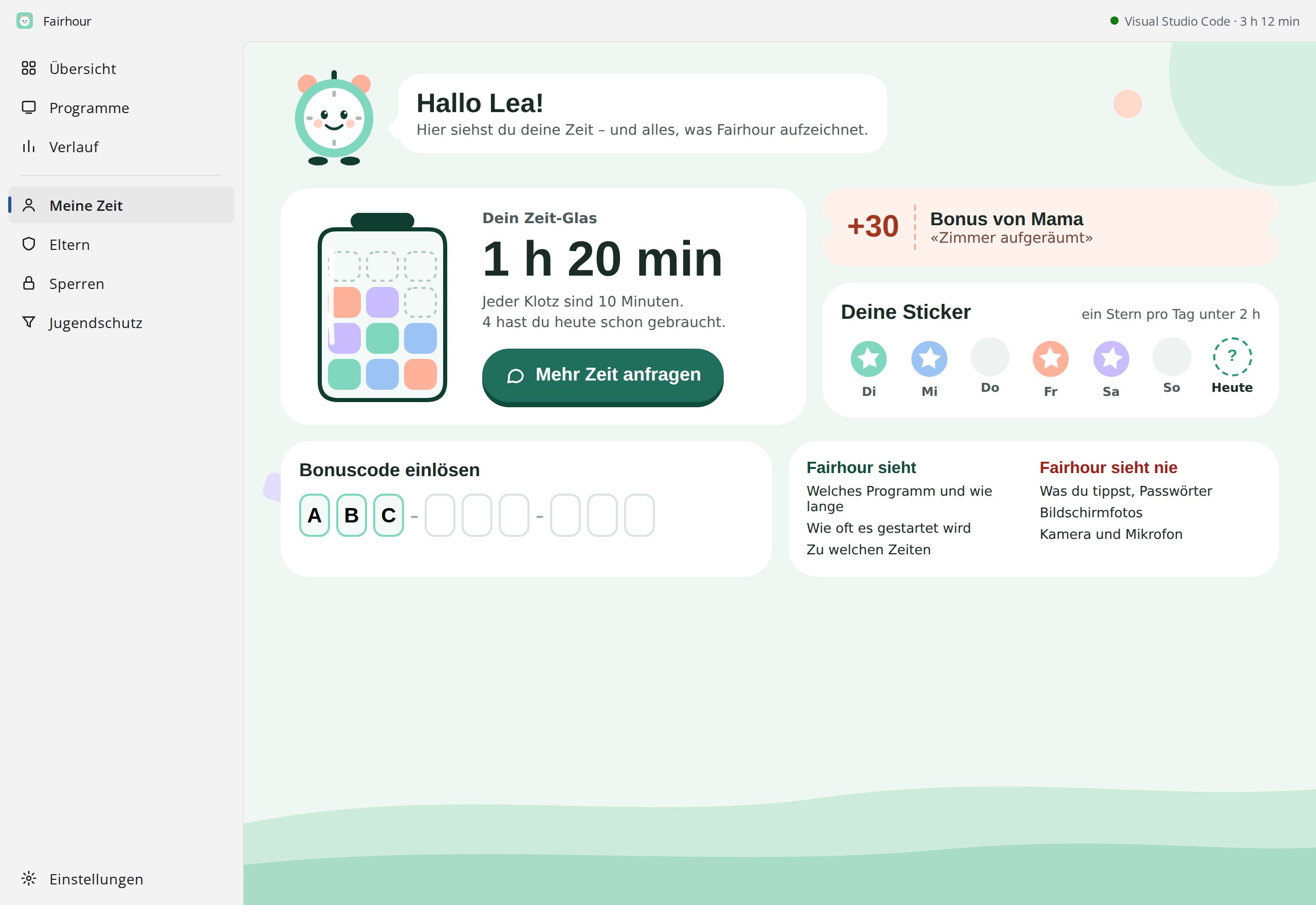
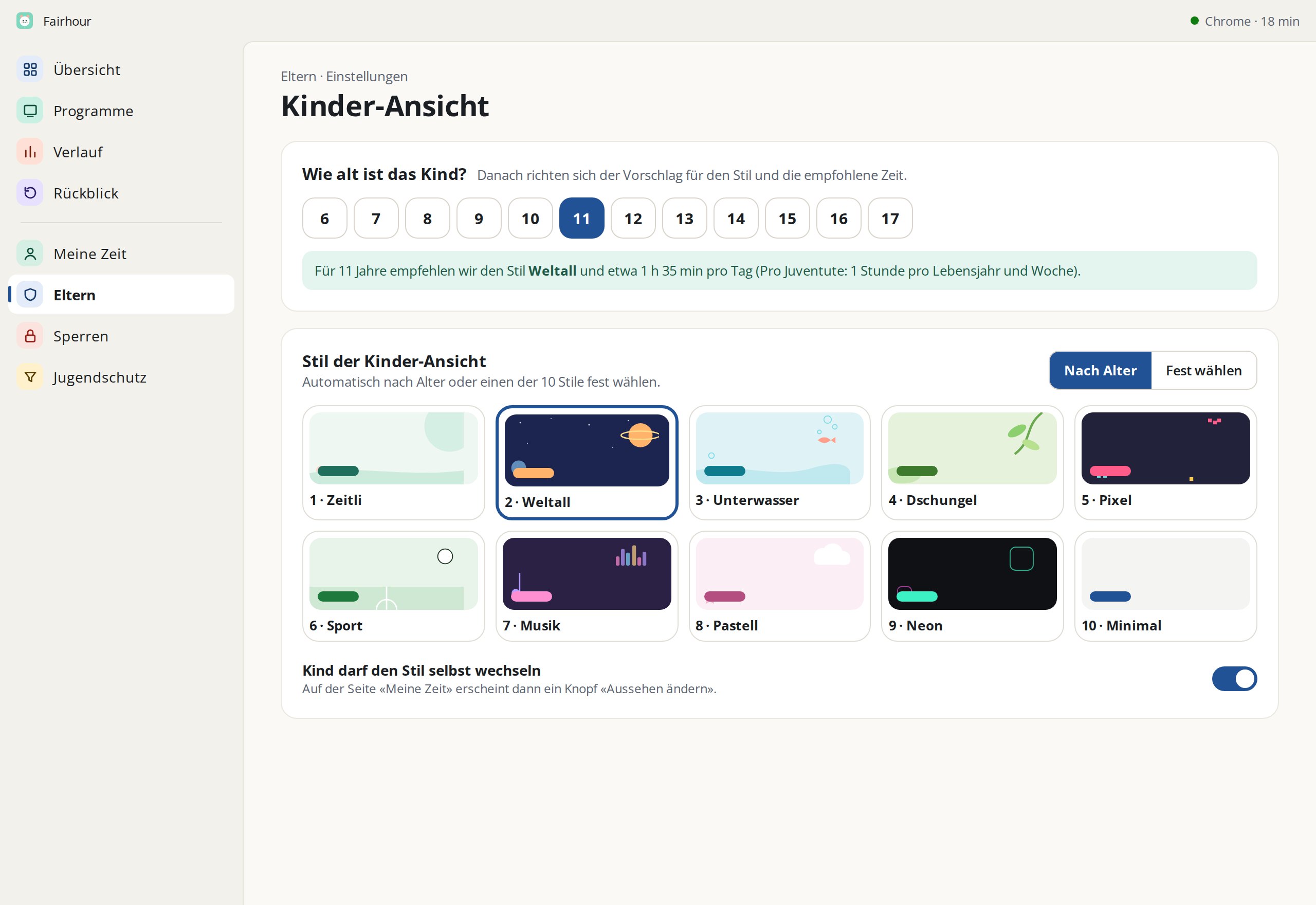
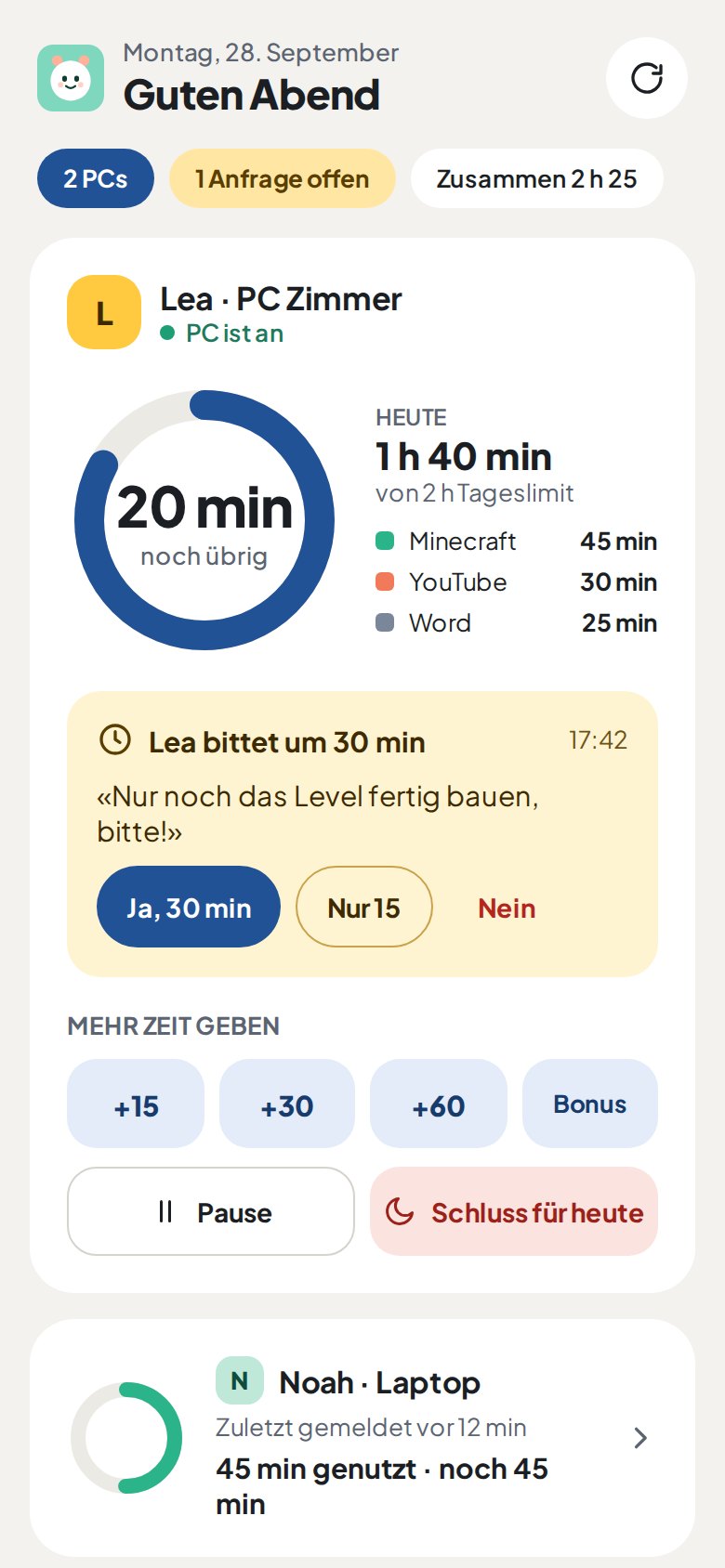
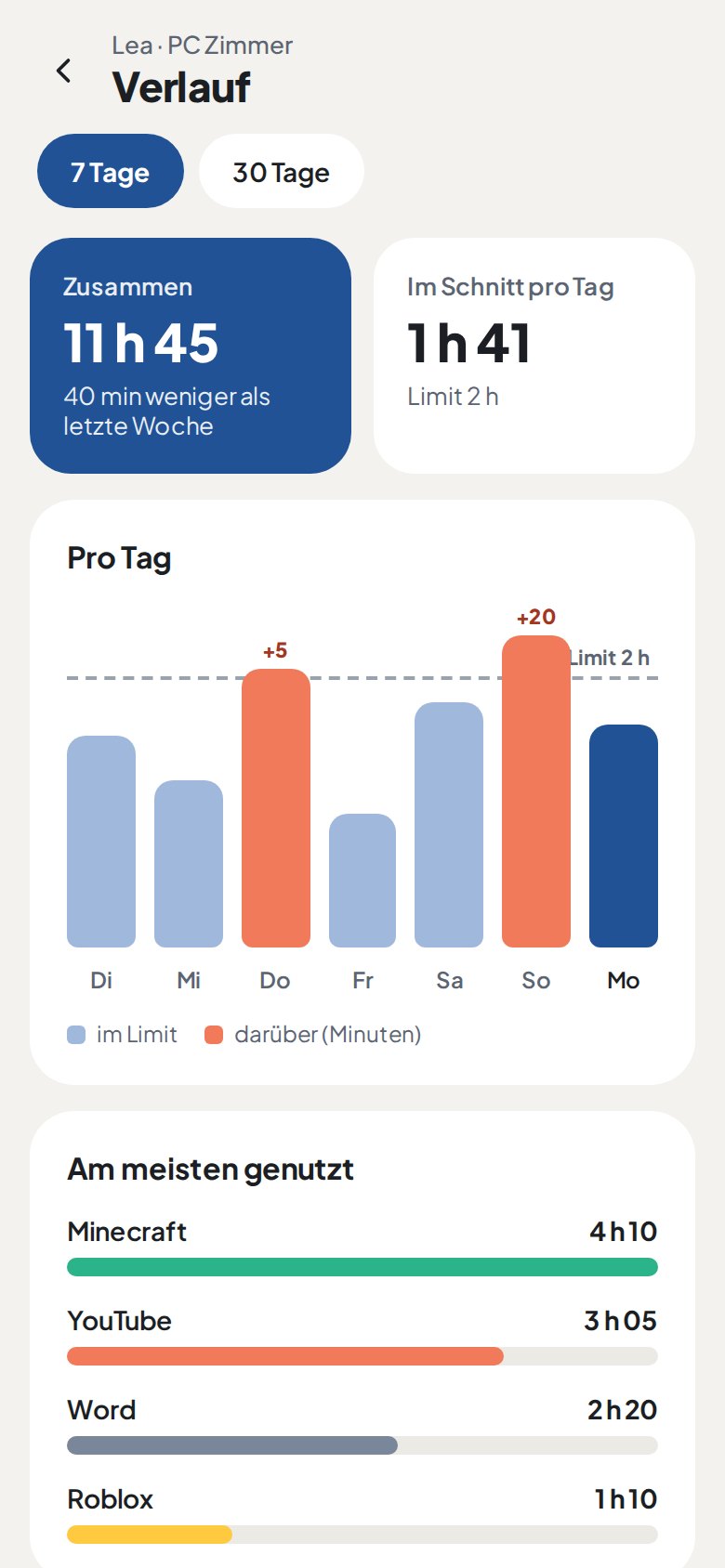
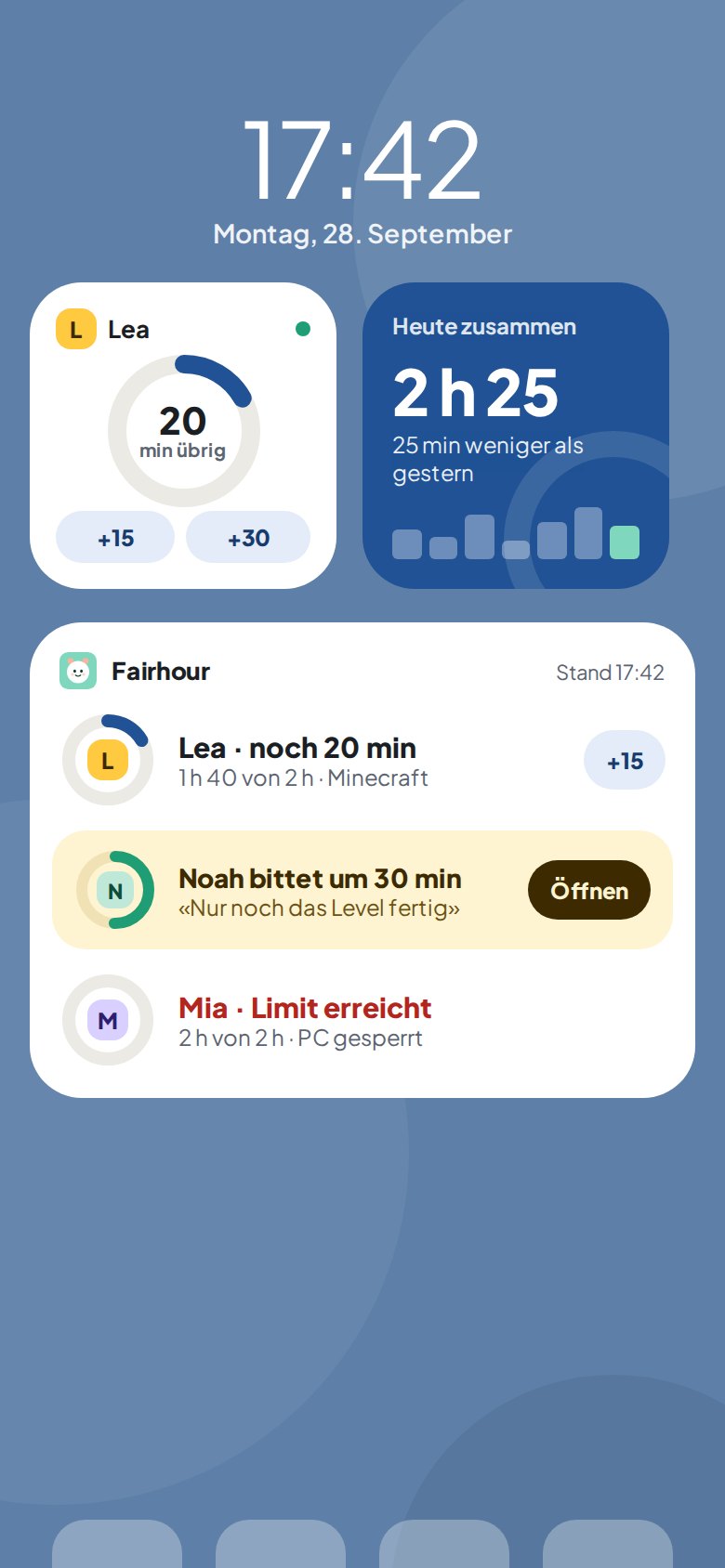
Fairhour measures which programs run on the family PC and for how long, and helps everyone stick to shared rules. Parents manage from their phone. Kids always see what applies and why.
Windows 10 and 11 · Android 8 or later · free test version
Set up in ten minutes. No account, no forced subscription.
Fairhour runs in the background and counts which program is in front. No mouse or keyboard means no counting.
In the password-protected parent area: daily limit, bedtime, blocked programs and websites, study time.
Pair the parent app, see remaining time, grant time, answer requests. Wherever you are.
Everything you need for clear rules, without turning the PC into a fortress.
Daily limit for the whole PC or single programs, with a warning before time runs out.
Stops at a set time, with its own window for weekends.
With presets for social networks, streaming and games. Optionally only at certain times.
A window in which only allowed programs run, plus a focus mode for 25 or 50 minutes.
Room tidied? The child ticks it off, parents confirm, the minutes are credited.
Part of the unused minutes carries over. Play less today, have more tomorrow.
The parent app shows every PC in the family and reacts within two minutes.
Remaining time, locked or free, what ran most today, and the history of recent days.
Grant time, pause, done for today, unlock again. With one tap.
The child asks on the PC, you see it on your phone and answer right away.
Limits, bedtime, free days, blocks, study time and time account, without walking to the PC.
When something new shows up, the app tells you. Allow or block it straight from the notification.
One ring per PC on your home screen: remaining time and state, without opening the app.
On the “My Time” page the child sees what applies, no password needed. That builds trust instead of arguments.
On the PC for the whole family, on the phone for the parents. Screens shown in German.
Parental controls, not surveillance.
All data stays on the PC. Only when you connect the parent app do totals go to your server: minutes per day, remaining time, the three most-used programs. Details in the privacy policy.
Measuring is free. Rules are a one-time purchase. The subscription only if you want the phone.
CHF 0
forever
CHF 34 one-time
for up to 3 PCs
CHF 2.90 / month
or CHF 29 per year
Family: one-time payment, 14-day refund. Plus: subscription via Google Play, cancel anytime. Both apps in 18 languages.
Not on the PC. For the parent app you create a family with a password, no e-mail address needed.
Quitting and pausing require the parent password. A watchdog restarts the app if it is killed, and every such termination is logged. Important: the child should use a standard account without administrator rights.
Yes, always. “My Time” shows what is counted, which rules apply and what the parents changed.
On a server, and only totals are stored. Anything older than 90 days is deleted. You can delete the family completely at any time.
Currently only for Windows (PC) and Android (parent app).
The test version is free and set up in ten minutes.